Fingerprint Encrypted Pen Drive Product Review.

Product review on a high-speed recognition, fingerprint encrypted pen drive security memory USB stick.
DM PD061 has two sectors — Public Sector and Secure Sector. Any users can access data in public sector but for private and confidential data, this information can be stored in the Secure Sector, only accessible via biometric fingerprint authentication.
The memory capacity of the Public Sector and Secure Sector can be allotted by the Administrator. In order words, the storage space can be adjusted for the public or secure folders.

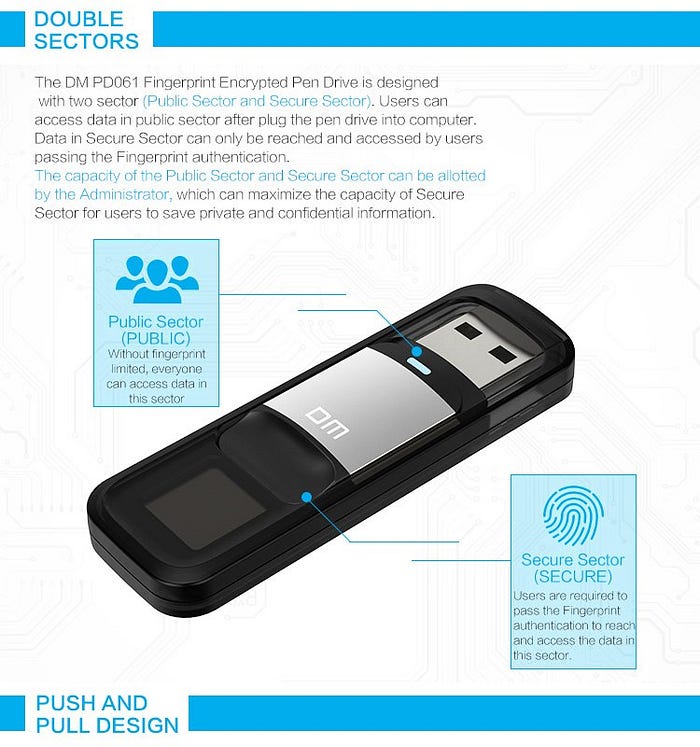
The push-and-pull design protects the USB interface to minimize potential damage while reducing the size of the USB stick.

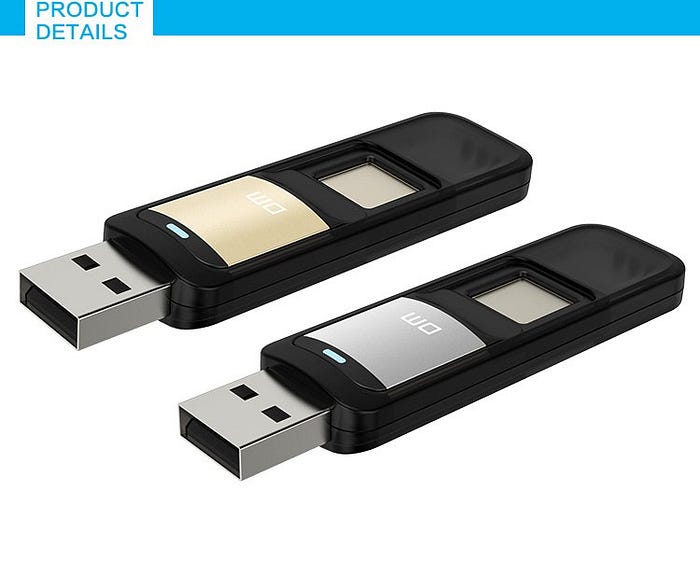
Tech Spec
- Name: PD061
- Capacity: 32G/ 64G/ 128G
- Fingerprint number: 6
- Size: 61 x 20 x 9.2 mm
- Color: Silver
- Material: Aluminum + PC + ABS
- Work temperature: -20C — 60C
- Storage temperature: -20C — 70C
- Humidity range: 20% RH — 85% RH
- Compatible: Windows 98 me/ 2000/ XP/ Vista, Macintosh OS 9.x or later, Linux Kernel 2.4.x or later
To setup the first time, the system requires Administrative authority to input fingerprint. Then the Admin can set up accounts for others and let them input their fingerprint.
To get started, plug the DM fingerprint encrypted pen drive into a computer. Click to open up DM Fingerprint. Inside the folder, double-click on the file “Finger Tool.exe” to run the program. It requires setting up the Administrator password. One limitation is that once the password is set, it cannot be changed by the Administrator.
To add fingerprints, click on the “Fingerprint” tab and then click on the “+” symbol to add users, a maximum of 6 user accounts.
Click the “Device” partition tab to allocate the memory capacity between the Public Sector and Secure Sector using the scroll bar. Note that changes to the partition will format the disk.
After successfully setting up, remove the pen drive and then plug it back in to begin transferring files.
When you plug the USB stick back to the computer, you will notice that the Secure folder is not visible. Click on “Finger Tool.exe” to initiate the application which will prompt you to place your fingerprint on the pen drive. Once authorized, the Secure folder will appear, allowing you to access it.
In terms of feedback, the DM was not compatible with a MacBook. Hence, we had to take out the old Windows laptop to install the DM software.
The biggest frustration was after the setup figuring out how to add files to the Secure folder. I found the workflow to be awkward at best as I had to launch the “Finger Tool.exe” as if I was accessing Admin functions in order to kick-off the fingerprint scan. After the fingerprint authentication, the system displayed the hidden Secure folder. Ideally, the preferred workflow should automatically prompt me to authenticate via fingerprint once the thumb drive is inserted into a computer.
Though there were aspects of the technology that are clearly not user experience optimized, the primary feature of the fingerprint encrypted pen drive security to access and store data in the Secure folder is cool.


Comments
Post a Comment